Grow on X by showing up
Post first.
Scroll later.
Daily posting goals, scores for every post, and friendly challenges that keep you consistent on X.
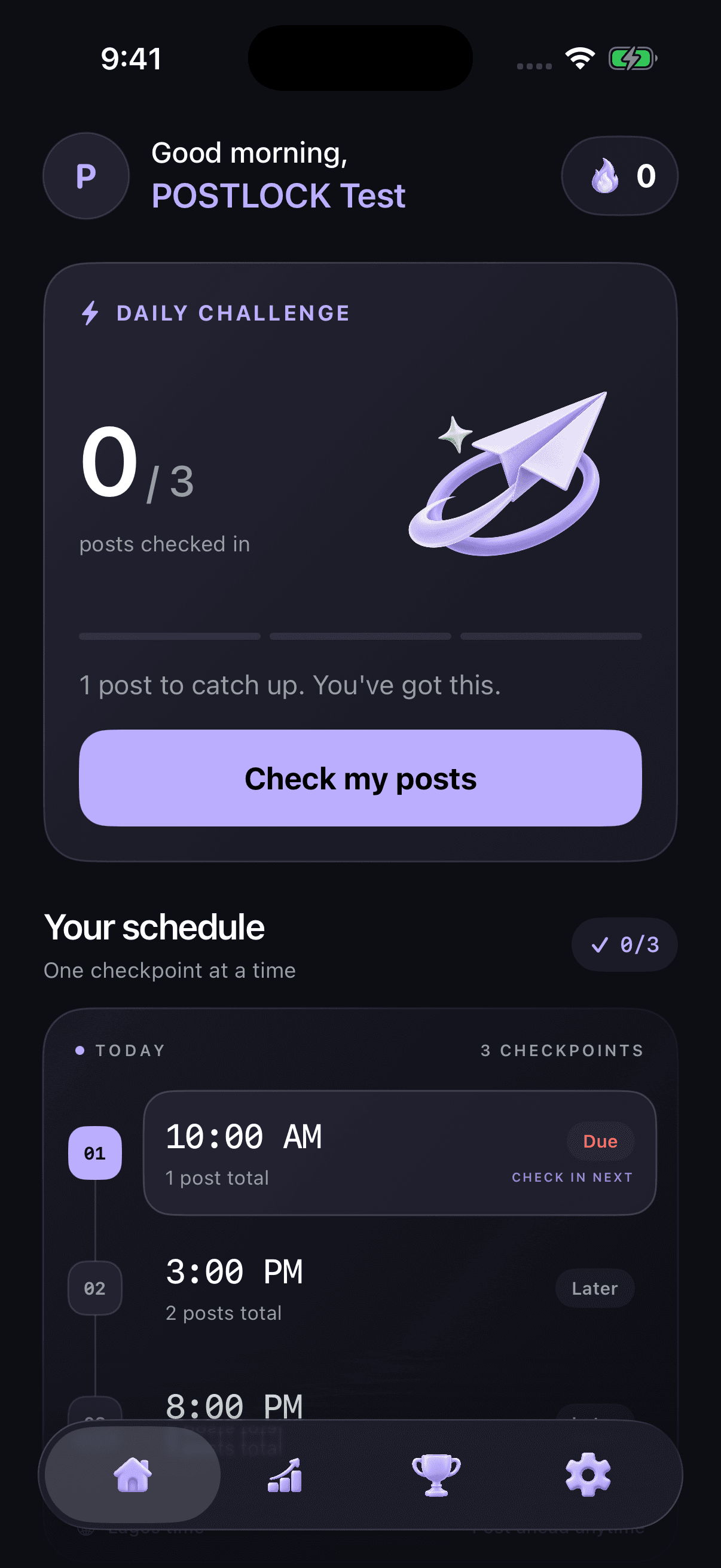
Choose your schedule. Keep X available. When you miss a deadline, POSTLOCK helps remove other app distractions until you catch up.
How it works
- 1
Add your public X username
No password and no X login. POSTLOCK only reads what's already public.
- 2
Set your rhythm
Pick how many posts a day and the deadline for each one. Keep X as the one app that stays open.
- 3
Post, then check in
POSTLOCK checks your public posts. Miss a deadline and other apps lock until you catch up.
Built to keep you posting
Schedule
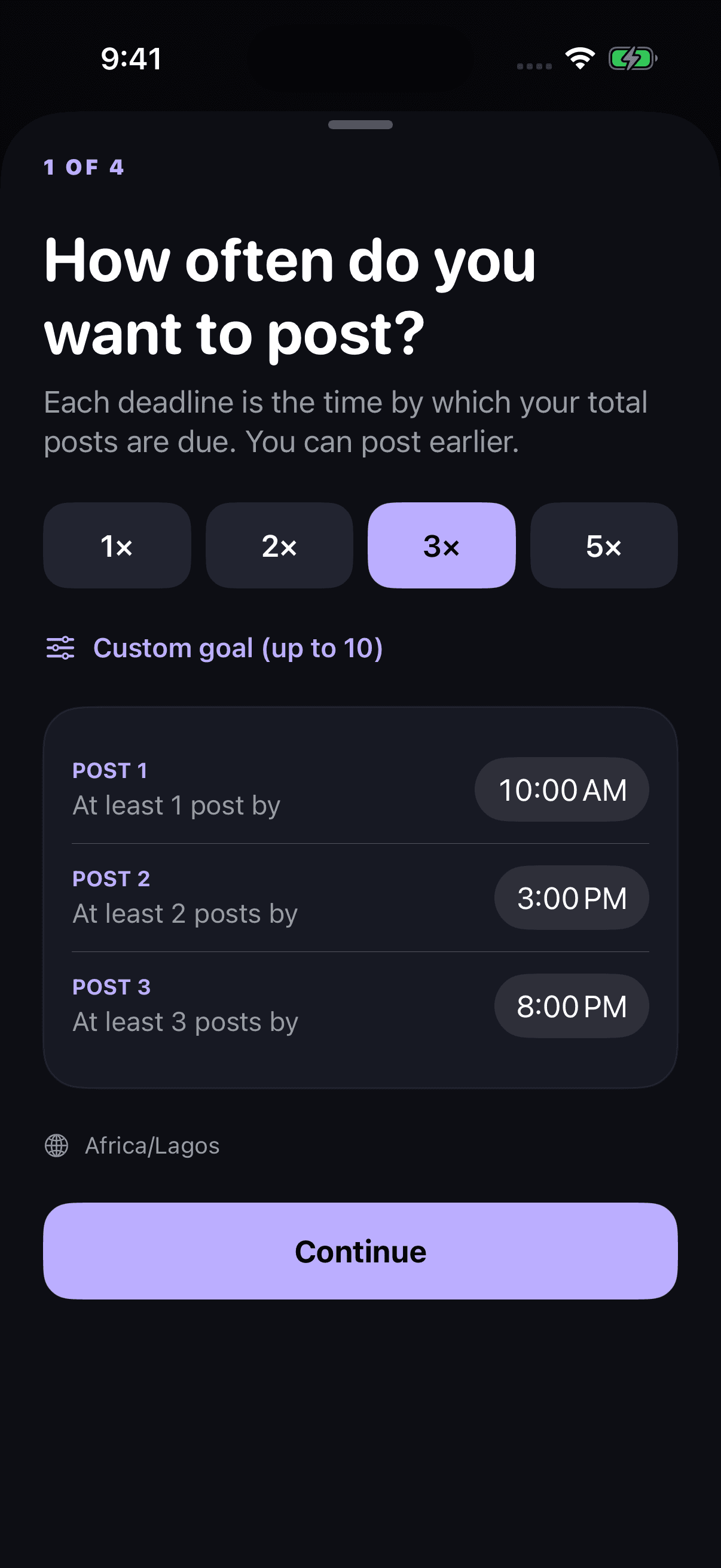
Set your rhythm. Make it stick.
Choose your posting pace and a deadline for every post. Post early whenever you like. Reminders nudge you before each deadline.
Analytics
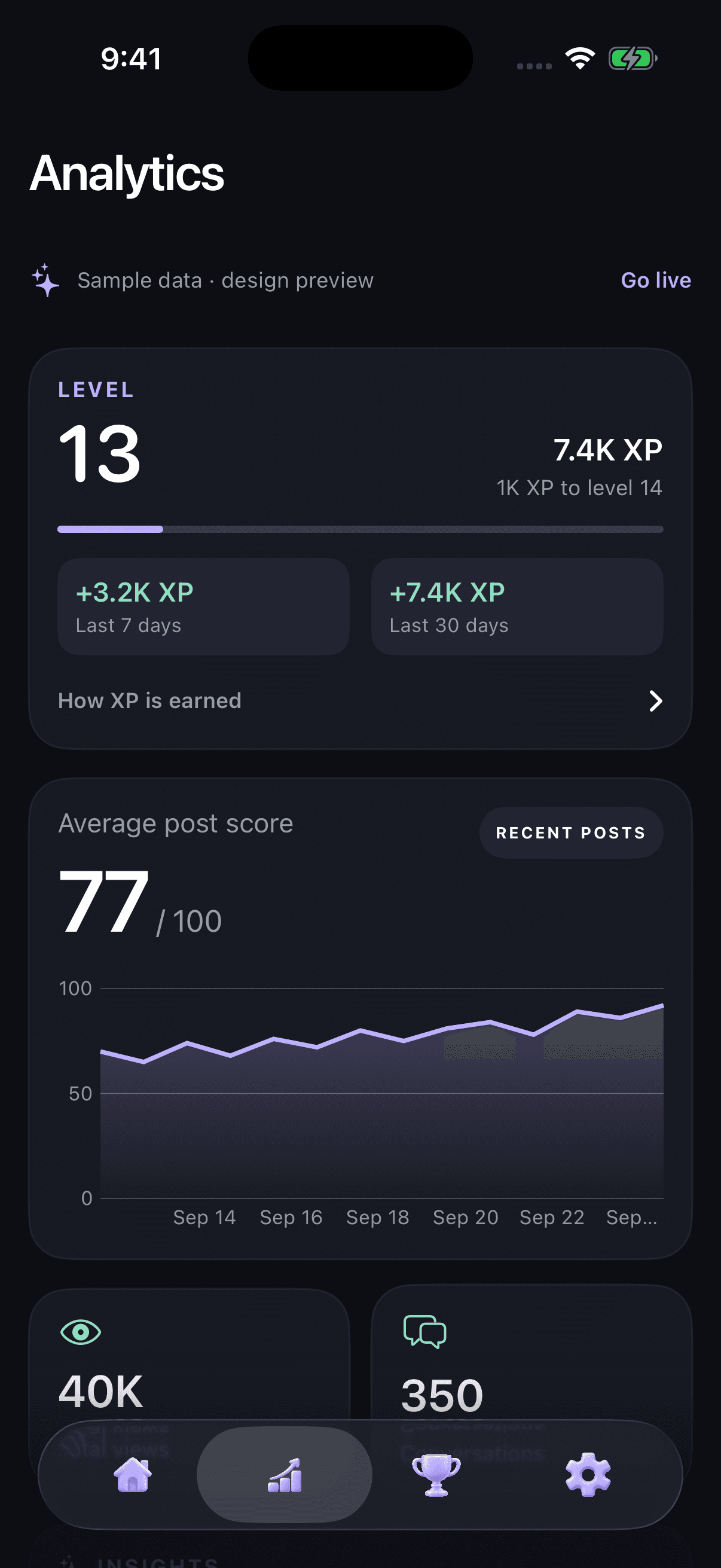
See what makes posts work.
Every post gets a score out of 100 and earns XP from real replies, reposts, and likes. Level up and spot the patterns behind your best posts.
Challenges
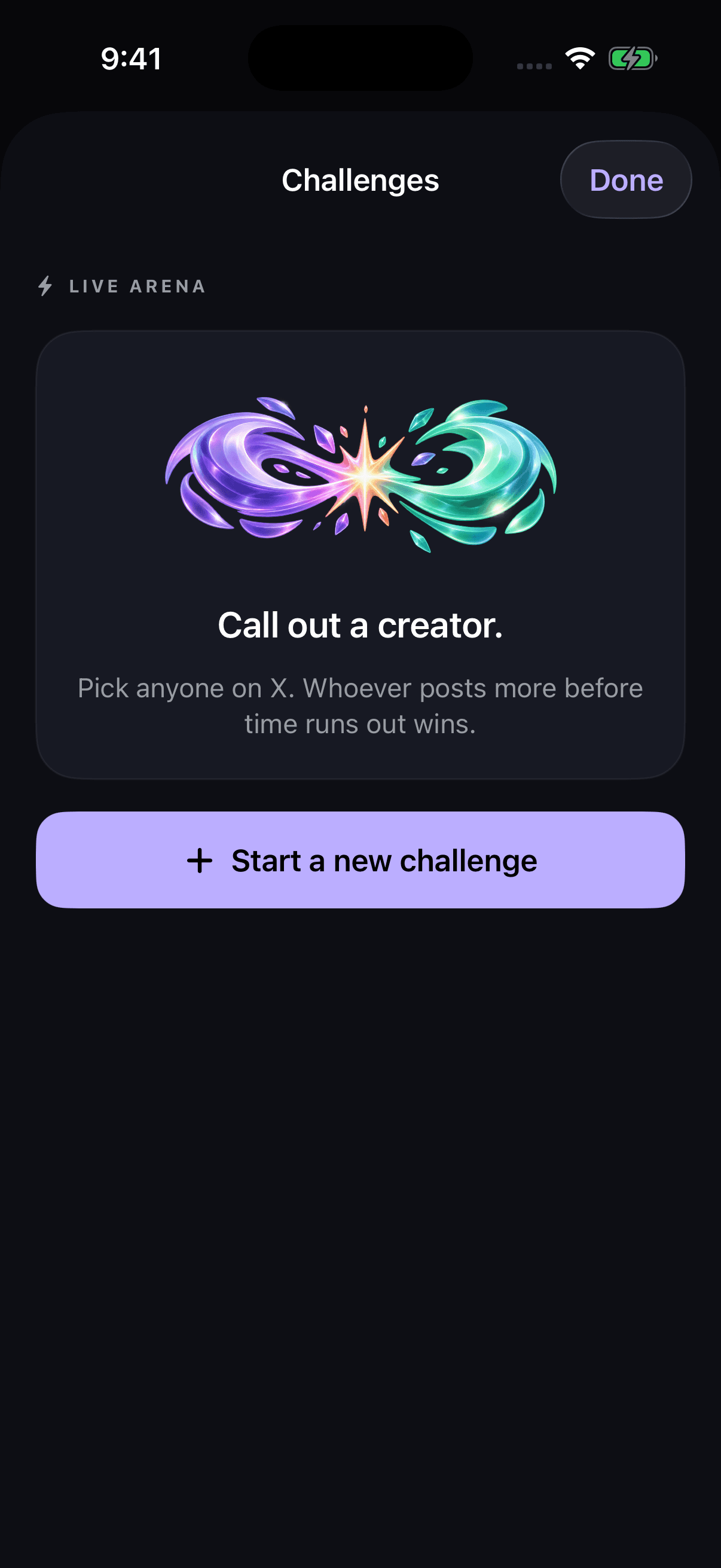
Challenge creators. Stay accountable.
Start a 24-hour or 7-day posting duel with anyone on X. Whoever posts more before time runs out wins. Follow the score live on your Lock Screen.
Creator leaderboard
Opt in to rank against other POSTLOCK creators by XP: daily, weekly, and over 30 days. Leave anytime in Settings.
Focus lock
Built on Apple's Screen Time. When a deadline passes, POSTLOCK locks other apps and keeps X open until you catch up.
Streaks and reminders
Build a posting streak, with optional reminders before each deadline so you're never caught out.
Pricing
One plan, two ways to pay. Manage or cancel anytime from your Apple ID subscription settings.
Monthly
$8/month
Billed monthly. Cancel anytime.
Yearly
$30/year
3-day free trial, then $30/year. Cancel anytime.
Subscriptions are billed through the Apple App Store. See Terms of Use for full auto-renewal and cancellation details.